Yes, you can use a brat generator on mobile. It works directly in your browser on both Android and iOS devices. No app or download is required, and you can generate and copy text instantly.
Using a brat generator on mobile is simple and efficient. You can create styled text quickly without any setup or installation.
It is ideal for fast content creation, especially when posting on platforms like Instagram or TikTok.
Can You Use Brat Generator on Mobile Devices
Yes, you can use a brat generator on mobile devices without any issues. It works smoothly on smartphones through a web browser. You just open the tool and start using it.
Most brat generators are browser-based, so there is no need to install any app. They are compatible with modern devices and work on both Android and iOS with standard browsers.
How to Use Brat Generator on Mobile
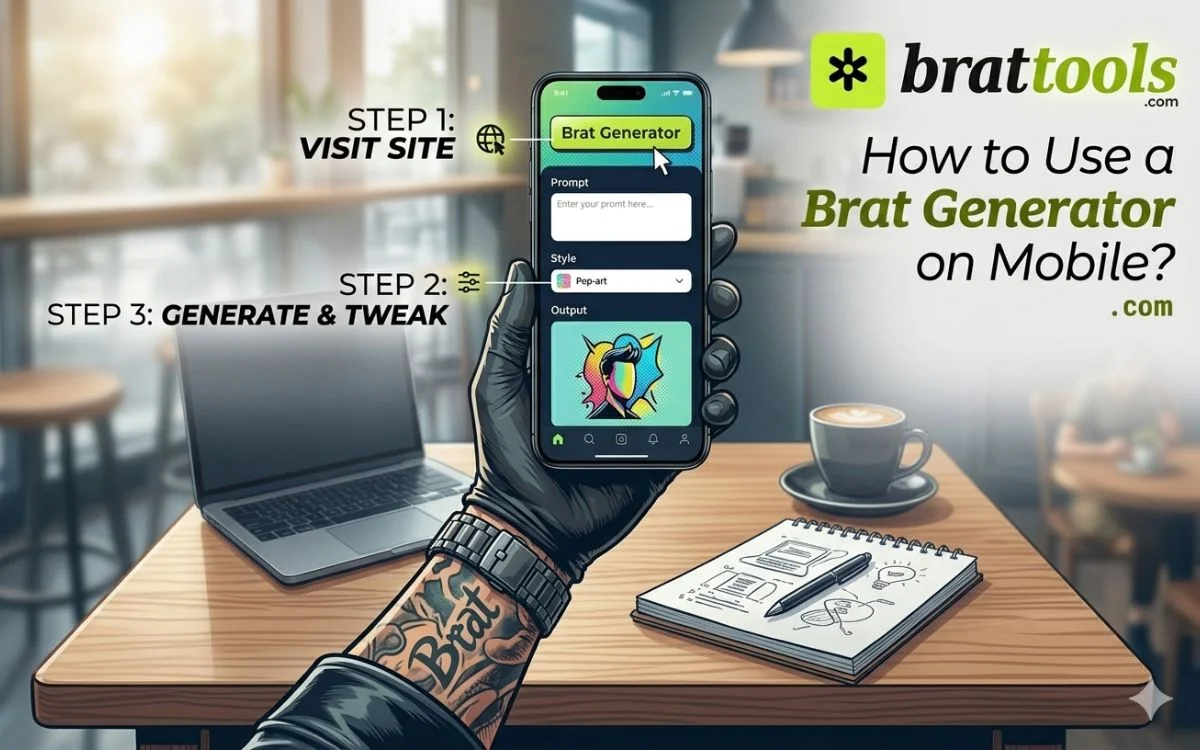
- Open the brat generator in your mobile browser.
- Enter your text in the input field.
- Tap generate to convert it into brat style.
- Copy the generated text.
- Paste it into apps like Instagram or TikTok.
Best Ways to Use Brat Generator on Mobile
- Brat-style text works best in places where short, eye-catching content matters.
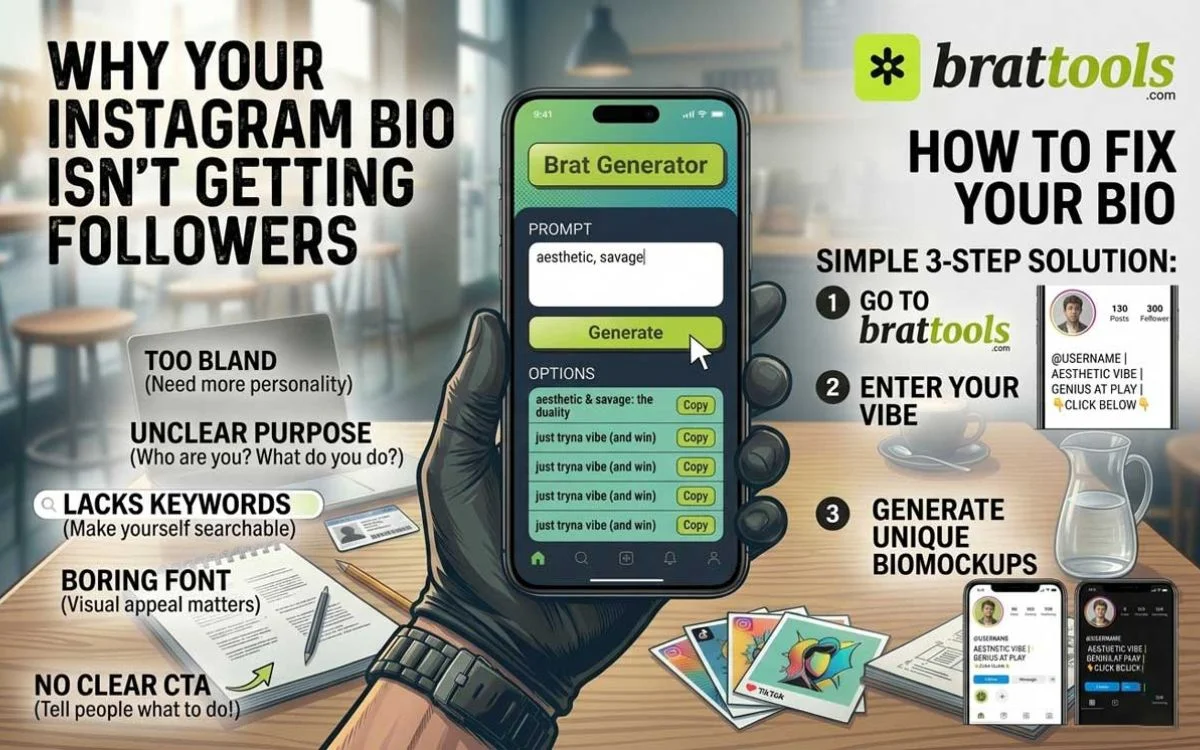
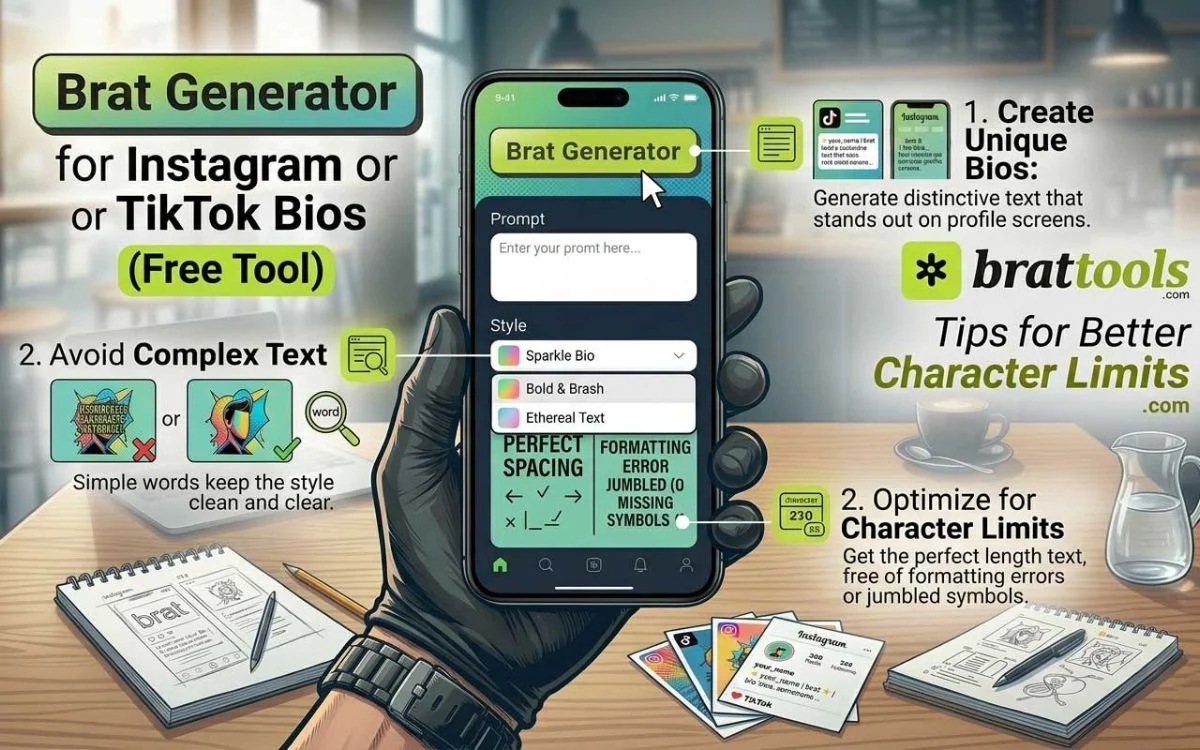
- Use it in your bio on Instagram to create a unique and aesthetic profile identity.
- Add it to captions on TikTok to make your content stand out while scrolling.
- Use it in WhatsApp messages to make texts feel more styled and expressive.
- Apply it to profile usernames to create a distinct and memorable handle.
- Use it in story captions to highlight key words and make visuals more engaging.
Mobile vs Desktop – Which One Is Better
Both options work well, but the choice depends on how you want to use the tool. Mobile is quick and convenient. You can generate and copy text instantly on Instagram or TikTok without switching devices.
Desktop gives more control. It is easier to manage longer text, adjust formatting, and handle multiple edits.
Use mobile when you need speed and quick posting. Use a desktop when you want better precision and detailed customization.
Common Problems on Mobile
Some issues can appear while using a brat generator on mobile, but they are easy to fix.
- Text not copying can happen sometimes. Try refreshing the page or use a long press to copy properly.
- Layout issues may appear if the browser is outdated. Use an updated browser for better compatibility.
- Slow performance can occur due to background apps. Close unused apps to improve speed.
Small adjustments like these help the tool work smoothly on your device.
Tips for Better Results on Mobile
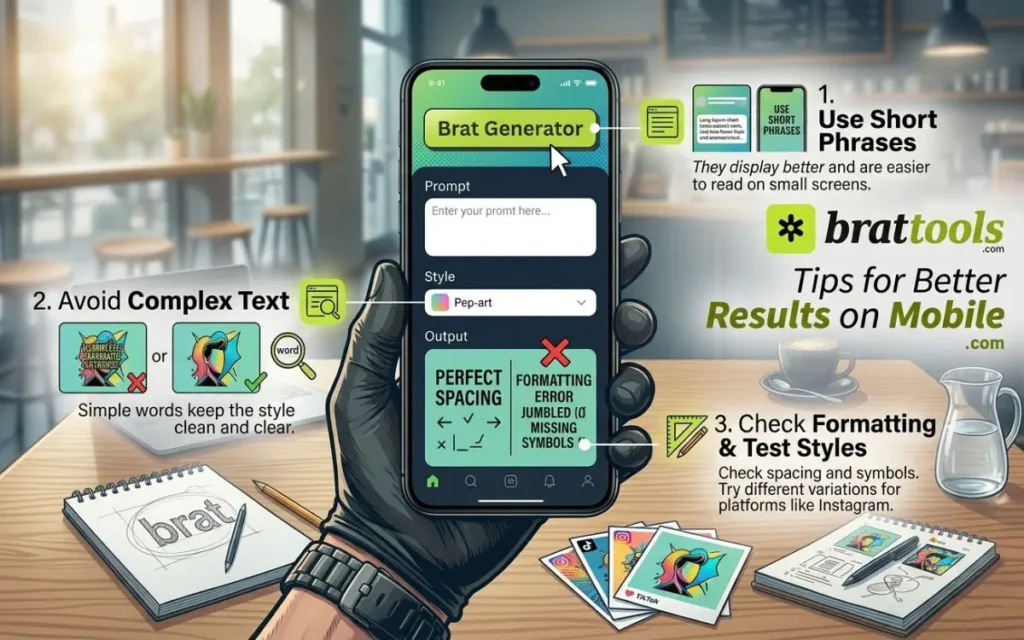
- Use short phrases. They display better and are easier to read on small screens.
- Avoid complex text. Simple words keep the style clean and clear.
- Check formatting before posting. Make sure spacing and symbols look correct.
- Test different styles. Try variations to see what looks best on platforms like Instagram.
Is Brat Generator Free on Mobile
- Most brat generators are free to use on mobile devices.
- You do not need to create an account or sign up.
- The tool works instantly in your browser without any payment or setup.
Is It Safe to Use Brat Generator on Phone
Using a brat generator on your phone is generally safe when you follow basic precautions. Most tools run directly in your browser, so nothing is installed on your device.
Since there are no downloads, the risk of harmful files is very low. Avoid unknown or suspicious websites. Stick to trusted tools to ensure a safe experience.
Why People Use Brat Generator on Mobile
People prefer using a brat generator on mobile because it makes content creation fast and simple. It allows quick text generation without switching devices. You can create and post content instantly on Instagram.
Sharing is easy. You can copy and paste the generated text directly into apps. It does not require any technical skills. Anyone can use it without learning design or tools.
Brat Generator for Social Media
Brat-style text fits naturally into modern social content. It works well for reels and posts on Instagram and TikTok. Short, styled text grabs attention while users scroll.
It improves visual style. Clean and aesthetic text makes your content look more polished.
It helps content stand out. Unique formatting makes your posts more noticeable compared to plain text.
FAQs
Do I need to download an app for brat generators?
No, most brat generators are browser-based. You can access them without downloading anything. Just open the tool and start using it.
Is brat generator free on mobile?
Yes, most tools are free to use. There is no signup required. You can generate text instantly.
Why is the brat generator not working on my phone?
It may be due to browser issues or slow performance. Try refreshing the page or updating your browser. Closing background apps can also help.
How do I copy brat text on mobile?
Tap and hold the generated text. Select copy from the options. Paste it into apps like Instagram or WhatsApp.
Can I use a brat generator offline on mobile?
No, most tools require an internet connection. They work through your browser. Offline use is usually not supported.
Which browser is best for using a brat generator on mobile?
Modern browsers like Google Chrome or Safari work best. They support proper formatting and smooth performance. Always use the latest version.
Can I customize brat text styles on mobile?
Yes, most tools allow basic customization. You can adjust text style and format. Options may vary depending on the tool.
Why does brat text look different after pasting?
Some apps change formatting automatically. Fonts or symbols may not be fully supported. Try testing in different apps.
Can I use brat generator text for usernames?
Yes, you can use it for usernames. Make sure the platform supports special characters. Keep it readable and simple.
Does brat generator work on all mobile devices?
It works on most modern smartphones. Older devices may face minor issues. Updated browsers improve compatibility.
Is there a limit to how much text I can generate?
Most tools allow short to medium text input. Very long text may not format properly. Keep it concise for best results.