Create Charli XCX brat-style album art in seconds
auto-lowercase · auto-wraps to fit
colours
style
free forever · no watermark · 1200×1200 px
Create bold, eye-catching designs in seconds with our Brat Generator. Whether you want a brat text generator, brat font generator, or a quick way to make viral memes, this tool helps you turn simple words into scroll-stopping visuals without any design skills.
Inspired by the signature style of Charli XCX and her Brat era, it lets you design clean, modern graphics that stand out on platforms like Instagram and TikTok. Just enter your text, choose your colors, and create instantly.
Brat Generator is a browser-based design tool that converts text into styled images using a minimal, bold layout. It focuses on strong typography, simple backgrounds, and high-contrast color combinations to create visually clear designs.
Built on basic principles of Graphic Design and Typography, it allows beginners to produce structured, balanced visuals without needing advanced skills.
It is commonly used for creating album-style covers, meme graphics, and social content where clarity and impact matter. Users can adjust text, colors, and layout to match their own style while keeping the overall design clean and readable.
This brat generator comes with practical tools that help you design clean and bold visuals without extra effort.
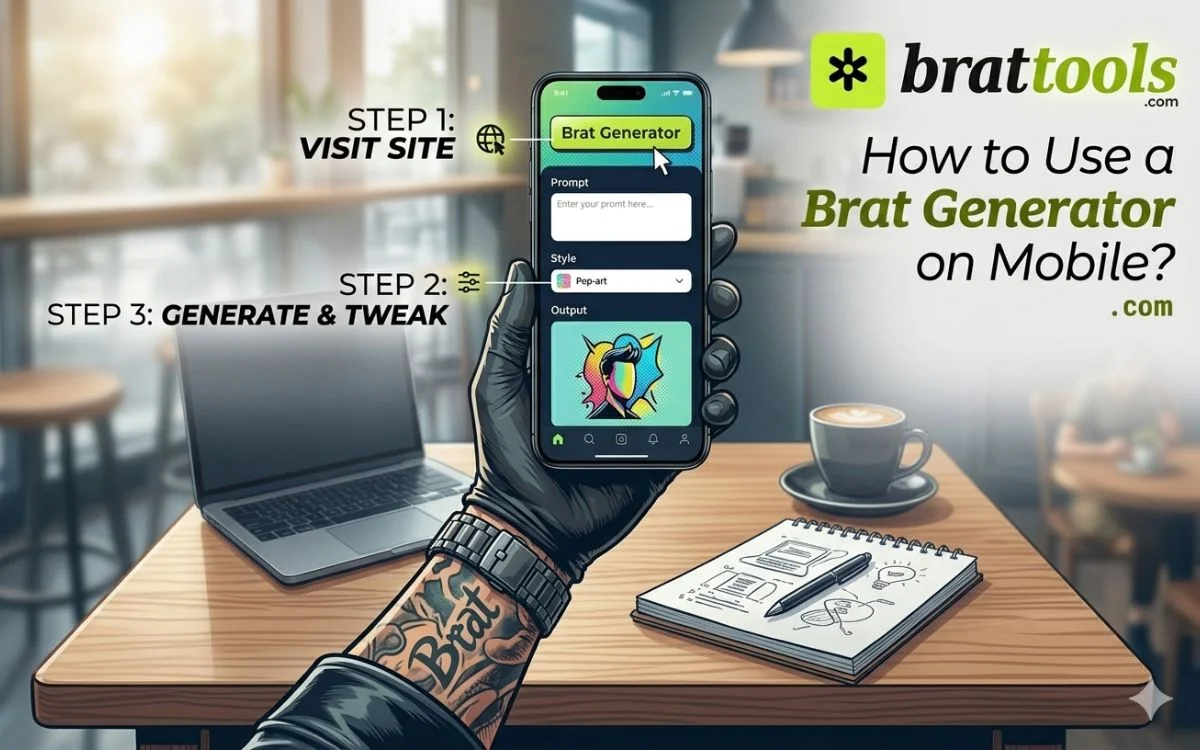
Follow these quick steps to create your design:
Not all brat generators deliver the same experience. This tool focuses on speed, control, and consistency, which makes it more useful for real content creation.
Choosing the right color can completely change how your design feels. In brat-style visuals, color is what grabs attention first, even before the text.
Here are some of the most effective options:
This is the signature look inspired by Brat. It’s bright, bold, and instantly recognizable. Best for viral-style posts and trend-based content.
A softer but still eye-catching option. Works well for playful content, lifestyle posts, or anything that needs a lighter tone.
Strong and minimal. Ideal when you want a clean, high-contrast design that feels sharp and direct.
Simple and neutral. Great for balanced layouts where readability matters more than intensity.
Cool and modern. A good choice when you want something different while still keeping a bold appearance.
For more control, use a Hex Color Code to pick exact shades. This is useful if you’re matching brand colors or creating a consistent theme.
Typography decides how your message feels before anyone even reads it. The right font can make your design look sharp, modern, or expressive within seconds.
With the brat font generator, you can switch between different font styles depending on your goal. Popular choices include Arial, Roboto, Poppins, and Courier New.
Instead of using complex designs, the brat style relies on strong typography and simple structure. Keeping your text clear, balanced, and easy to read will always give better results than over-styling.
Color is what makes a brat design instantly noticeable. While the signature green is widely recognized, using different shades can completely change the mood of your design.
Common color choices include:
If you want more control, you can use a Hex Color Code to select the exact shade you need.
Beyond colors, you can fine-tune your design with:
Whether you’re creating content for Instagram or TikTok, choosing the right color combination helps your design stand out instantly without adding complexity.
A brat generator is not just for basic designs. It helps you create content that fits real platforms, real audiences, and real use-cases.
Here’s how people are actually using it:
Create bold text visuals that grab attention instantly in crowded feeds. These work well for captions, announcements, or trending posts on Instagram and TikTok.
Use high-contrast text to design simple thumbnails or title graphics that remain clear even at small sizes. This helps improve visibility and click-through rate.
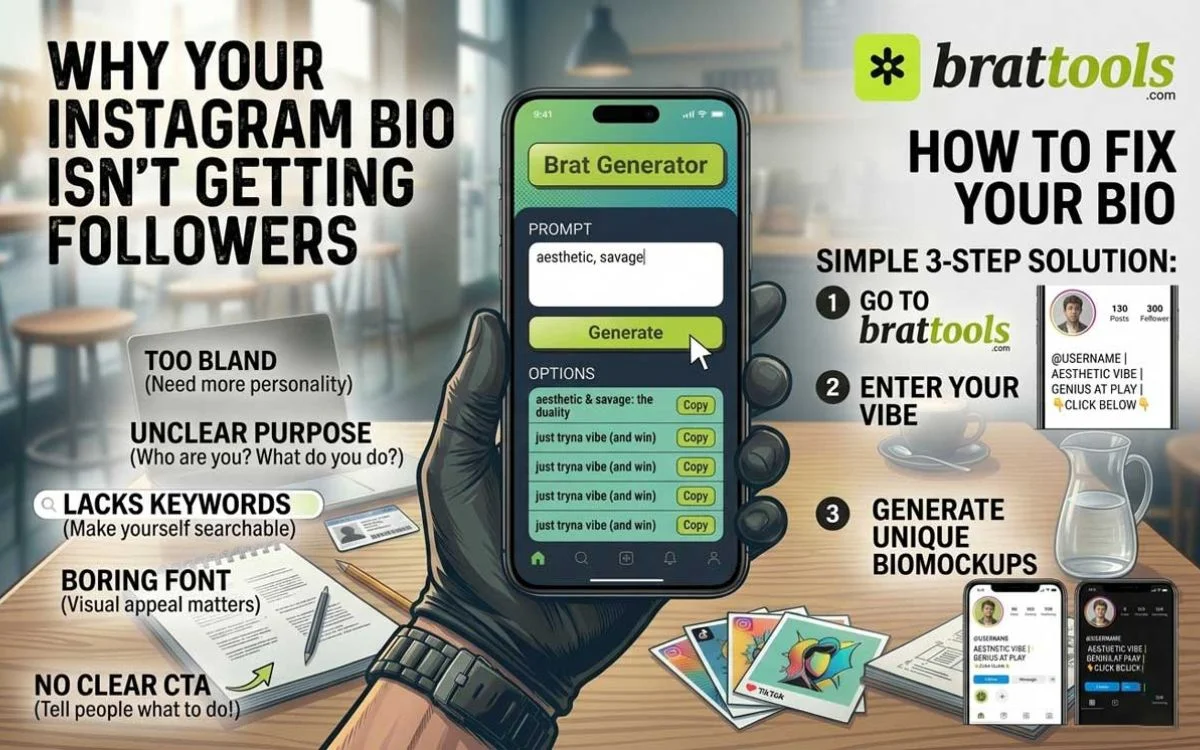
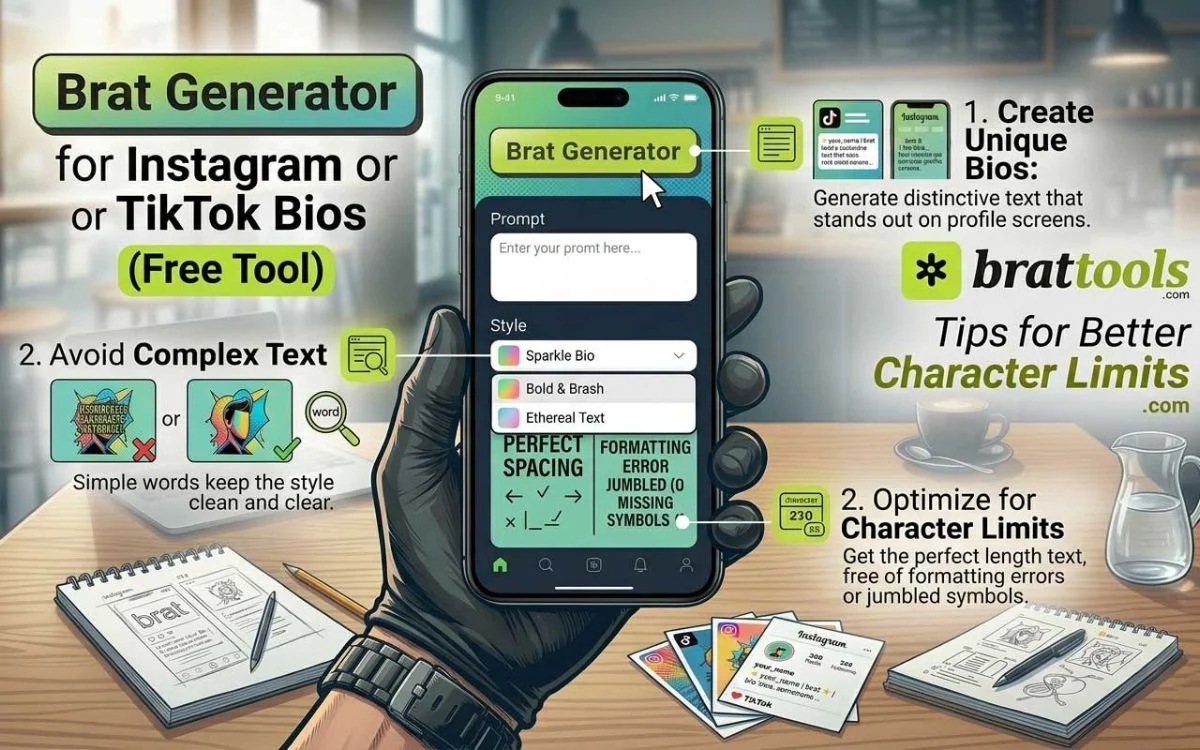
Design clean profile images and short text graphics that reflect your identity. Many creators use brat-style text for usernames, bios, or highlight covers.
If you run a content series (like reels, shorts, or posts), you can create a consistent visual style using the same font and color theme across all designs.
Use minimal text-based visuals for group names, fan pages, or niche communities. This works well for building a recognizable style without complex design work.
Turn short phrases, opinions, or trending lines into bold visuals that are easy to share. This is especially useful for fast-moving trends and viral content.
Create simple backgrounds for your phone or desktop using your own text and color combinations.
TikTok content moves fast, and only visuals that catch attention in the first second perform well. That’s where a brat generator becomes useful. It helps you create bold, text-based visuals that stay readable on small screens and stand out in the scroll-heavy feed of TikTok.
Even simple designs can lose impact if a few basics are ignored. Here are the most common mistakes people make when using a brat generator and how to fix them.
If your text blends into the background, people will skip it instantly. Always use strong contrast (light text on dark background or the reverse)
Brat-style visuals work best with short, sharp phrases. Long sentences make the design look cluttered and harder to read. Keep it concise and focus on one clear message.
Too many effects like blur, noise, or mirror can make your design messy. Use effects only when they improve clarity, not distract from it.
Most users will see your design on mobile, especially on TikTok and Instagram. Test your design at smaller sizes to make sure the text stays clear.
Using overly decorative fonts can break the clean brat aesthetic. Stick to simple, bold fonts that are easy to read.
Changing colors, fonts, and layouts randomly can weaken your visual identity. Use a consistent style if you’re creating multiple designs or content series.
If your dimensions don’t match the platform, your design may get cropped or lose quality. Choose the right size based on where you plan to post.
A brat generator is not limited to one type of user. Different people use it in different ways depending on their goals. That’s what makes it more practical than many other design tools.
If you create short-form content on platforms like TikTok or Instagram, attention is everything.
Creators use brat-style visuals to:
It helps increase watch time and engagement
Influencers need fast and consistent visuals to stay active daily. With a brat text generator, they can:
No need to open heavy tools like Photoshop for simple design
For platforms like YouTube, clear thumbnails and titles matter a lot. Brat-style text helps with:
Especially useful when viewers are scrolling fast
Pages that post viral content need speed more than anything. A brat meme generator allows them to:
Faster posting = higher chances of going viral
Not everyone is a professional designer, and that’s fine. For beginners, a brat generator:
It’s a simple way to understand visual balance and contrast
Even brands are using simple text-based visuals now. They use brat-style designs for:
Clean text often performs better than heavy graphics in ads
Different tools serve different needs, but a brat generator works across multiple use cases because it focuses on clarity, speed, and visibility.
Instead of designing from scratch, users can create ready-to-post visuals in seconds, no matter their experience level.
The brat aesthetic stands out because it does something most designs don’t do, it keeps everything simple but still grabs attention instantly. Instead of using complex graphics or multiple elements, it focuses on bold text, strong colors, and clean layout.
One major reason behind its popularity is its connection with Charli XCX and her Brat era. This created a recognizable visual style that people can easily identify and recreate.
Another key factor is how well it works on platforms like TikTok and Instagram. Content on these platforms moves fast, and designs need to be readable in seconds. Brat-style visuals solve this by using large text and high contrast, making them easy to understand at a glance.
It also gives users freedom. You don’t need design experience to create something that looks modern and structured. This combination of simplicity, speed, and recognizability is what makes the brat aesthetic so widely used.
Turning simple text into a clean album-style design is one of the most useful features of a brat generator. Instead of writing plain words, you can present your message as a structured visual that looks intentional and styled.
The process is straightforward. You start with a short word or phrase, then choose a background and font style that fits your idea. The tool automatically adjusts spacing and layout so your text looks balanced without extra effort.
This approach works well because it changes how people see your content. A normal sentence might be ignored, but the same text in a bold album-style format feels more noticeable and worth stopping for.
These designs are especially useful for:
By converting text into a visual format, you make it easier for people to read, remember, and share your content.
A good brat generator gives you enough control to shape your design without making the process complicated. Instead of fixed templates, you can adjust key elements to match your style.
You can change the font to create different moods, from clean and bold to slightly soft or modern. Color selection is another important option, where you can choose strong backgrounds or apply your own Hex Color Code for more precise control.
Layout adjustments help you improve balance. You can control text size, alignment, and spacing so your design looks structured and easy to read. Small changes here can make a big difference in how professional the final output looks.
There are also simple effects available, such as blur or texture, which can slightly change the appearance without making the design heavy. These should be used carefully so the text remains clear.
All these options work together to give you flexibility while still keeping the design process fast and simple.
If you are not sure whether to use a brat generator or another design tool, the choice depends on what you actually need.
However, if you need more detailed designs, tools like Canva can be useful. Canva gives you ready-made templates and drag-and-drop features, which help when you are creating posters, ads, or branded content. But for simple text visuals, it can feel a bit slow and unnecessary.
For advanced editing, professionals usually prefer Photoshop. It allows full control over images, layers, and effects. The downside is that it takes time to learn and is not ideal if you just want a quick result.
If you are working on layouts or collaborating with a team, Figma is a better choice. It is widely used for structured design work, but it is not designed for fast meme-style or text-based graphics.
There is also Adobe Express, which sits somewhere in the middle. It is easier than professional tools and offers templates for quick designs, but you still depend on pre-made layouts instead of full freedom.
Simple text generator tools are another option, but they only change how your text looks. They don’t create a complete visual design like a brat generator does.
In simple terms, if you want speed, clarity, and no learning curve, a brat generator is the better choice. If your work requires detailed graphics or advanced editing, then other tools may be more suitable.
People who use brat generators often highlight the same thing: how quickly they can turn an idea into a finished design.
Many content creators say it helps them stay consistent when posting on Instagram because they can create clean visuals without spending too much time on editing. Instead of opening complex tools, they can generate something ready to post within seconds.
Video creators working on YouTube or short-form content also find it useful for making simple thumbnails or text overlays that remain clear even on smaller screens.
Design beginners appreciate that they don’t need technical skills. The tool handles layout and spacing automatically, which makes the final result look balanced without extra effort.
Overall, users value speed, simplicity, and the ability to create visuals that actually get noticed.
No, most tools are not officially connected to Charli XCX. They are inspired by the visual style of her Brat, but they are created by independent developers.
It’s simple. Open a brat text generator, type your text, choose a background color, adjust the font, and download your design. You can create a finished image in just a few seconds.
Most tools use a bold, stretched style similar to Arial or its variations. This gives that clean, lowercase, and slightly compressed look that matches the brat aesthetic.
Yes. You can create custom album-style covers, memes, social posts, and more. Many users design visuals inspired by the Brat style and share them on platforms like Instagram and TikTok.
No. Most brat generators are browser-based tools. You can use them directly online without downloading any app or software.
Users like how fast and simple they are. Many creators use them for quick designs, memes, and social content because they don’t require design skills and still produce strong visuals.
The best tools are the ones that offer full customization, fast loading, and high-quality output. Look for features like real-time preview, multiple colors, font options, and easy download.
A brat font is usually bold, clean, and slightly stretched. It often uses lowercase letters and simple spacing to create a strong and minimal look that stands out.
Most brat generators are free to use. You can create and download images without paying or signing up.